
Spatial Orientation 3D (Cubes)
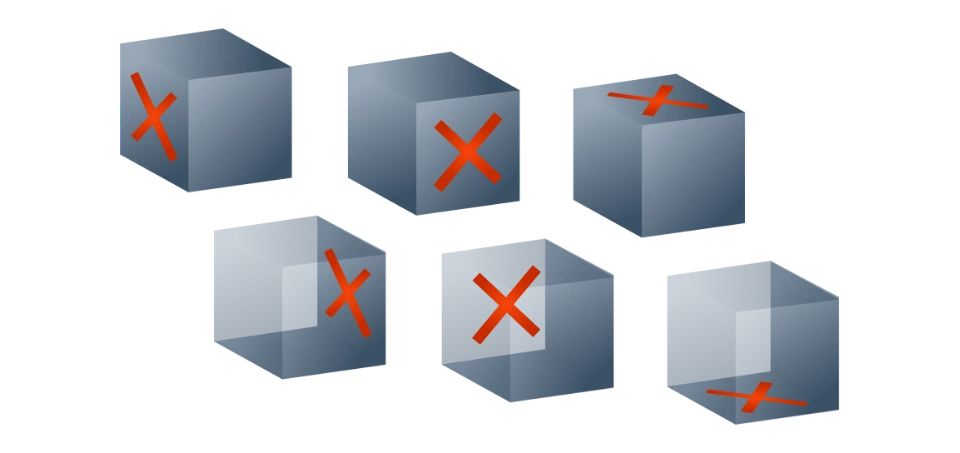
This test checks how well you can follow rotation instructions on a 3D cube.
What is Spatial Orientation 3D?
This test checks how well you can follow rotation instructions on a 3D cube. You will be shown a cube in an initial position and then given a series of rotation commands (e.g., "Turn Left", "Tilt Back").
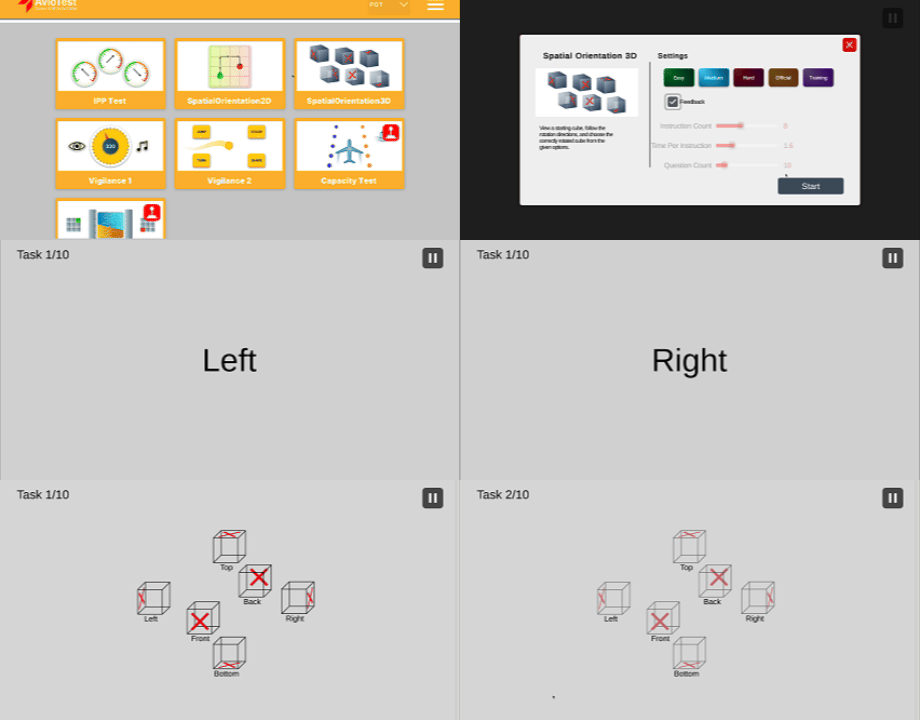
1. INITIAL POSITION
- You will see a cube starting in the Initial Position.
Starting position text and cube
2. ROTATION STEPS
- Then, you will see rotation steps telling you how to turn the cube.
- On the left, you see the cube rotating. On the right, you see the written steps.
- After the rotations, you will see 6 cubes. Each cube has an "X" on one side.
- Your task is to pick the cube that matches the final position.
How to Prepare
- Easy: Start here to learn the rules and basic rotations.
- Medium: Similar to the hardest level in the real exam.
- Hard: Meant to be challenging. If you can do this well, you will feel confident in the exam.
Official Mode
When you want to test your real performance, select Official Mode. This mode lets you play the Phase 2 and Phase 3 exam settings exactly as they appear in the assessment.
The 3 Phases Pattern
This pattern applies to all modules in the Pegasus exam.
SO 3DTraining
→
SO 3DPhase 1
→
SO 3DPhase 2
Module Phases
| Phase | Duration | Status | Feedback | Content |
|---|---|---|---|---|
| Phase 1 | 3 minutes | Not graded | ON | 4 instructions |
| Phase 2 | 3 minutes | Graded | ON | 4 instructions |
| Phase 3 | 10 minutes | Graded | OFF | 4–8 instructions (difficulty increases) |